Pools
Pools can be used to group a set of similar fixed systems together, so they can be treated as a single Workspace for user access. Users will see a single Workspace icon on their dashboard, but their session will get distributed to an available server in the pool. Each server in the pool can be set to support 1 or more concurrent sessions. Kasm automatically distributes the sessions evenly over the servers.
Pools can also be used to auto scale servers using a supported VM provider. Auto scaling can be used to automatically provision Servers or Docker Agents.
AutoScaling is available in the Community and Enterprise editions only. If applicable, the administrator will have 3 links underneath the table for All AutoScale Configs, All VM Provider Configs and All DNS Provider Configs. These allow the administrator to see all of the configs available and make changes, but the recommended approach is to use the Edit option on a specific pool.
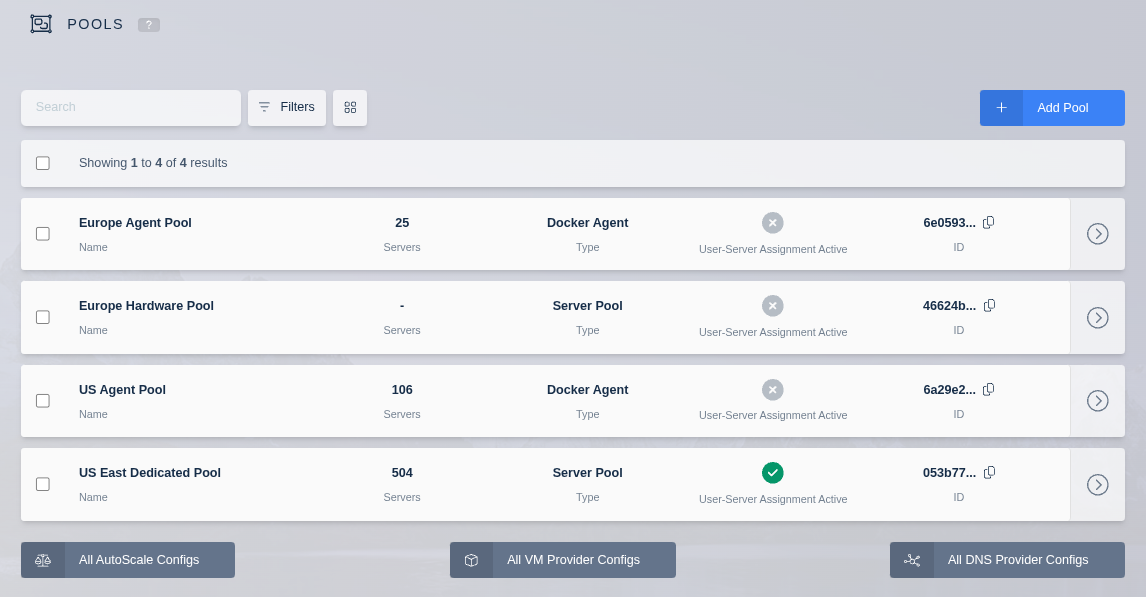
Create Pool
- Click the Infrastructure item in the navigation menu.
- Select the Pools option in the dropdown menu.
- Select Add from the top right of the Pools table.
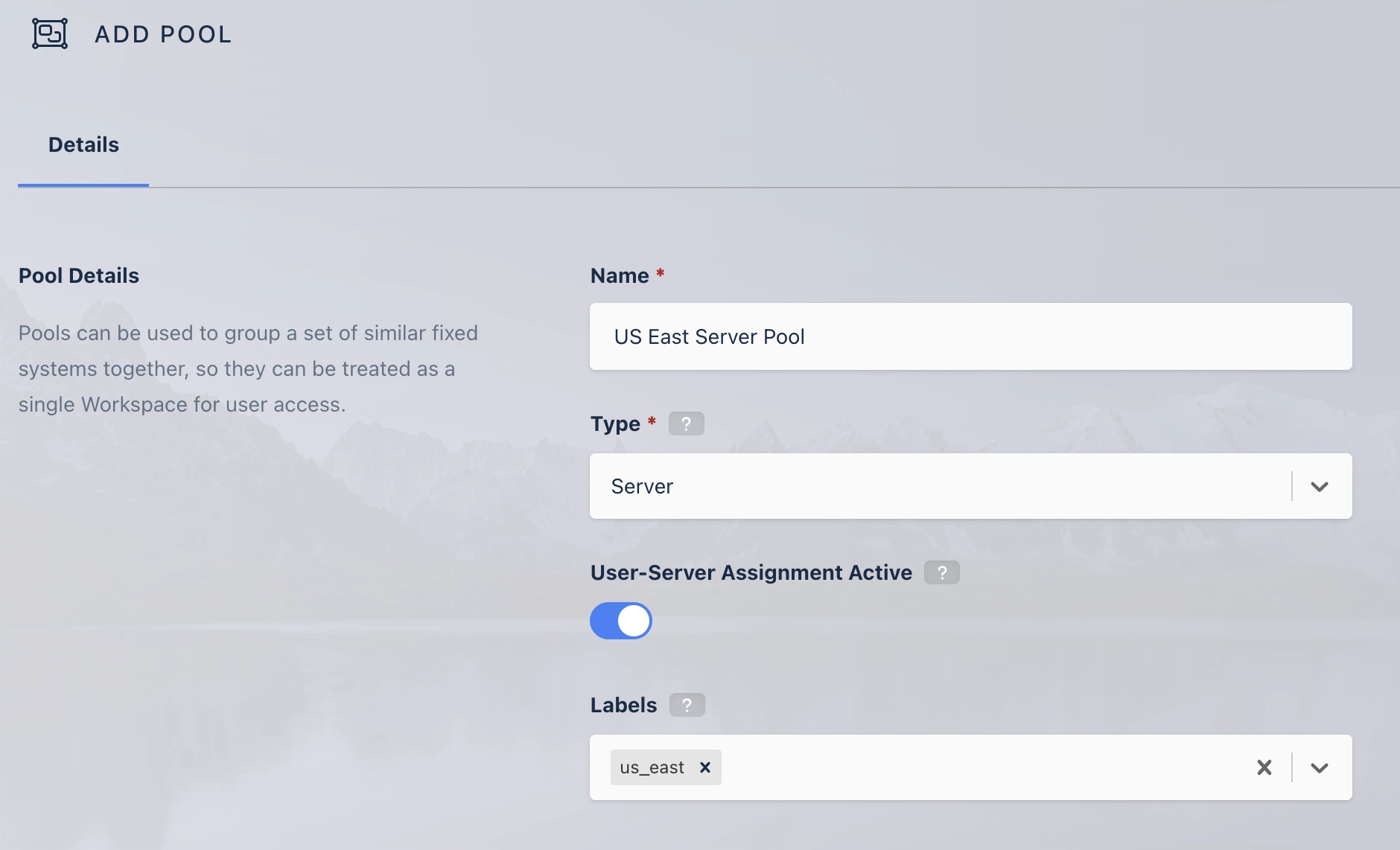
| Field | Description |
|---|---|
| Name | The name given to the Pool. |
| Type | The type of Server Pool. Can either be Docker Agent or Server. |
| Server Assignment | (Only Server pools) Whether the pool will allow User-Server assignment. |
| Labels | Labels assigned to all servers and agents in this Server Pool. These labels can be used to control where Workspace sessions are launched. You can specify these labels in a Workspace's "Include Labels" or "Exclude Labels" settings to ensure sessions run only on certain servers or agents. |
Servers List
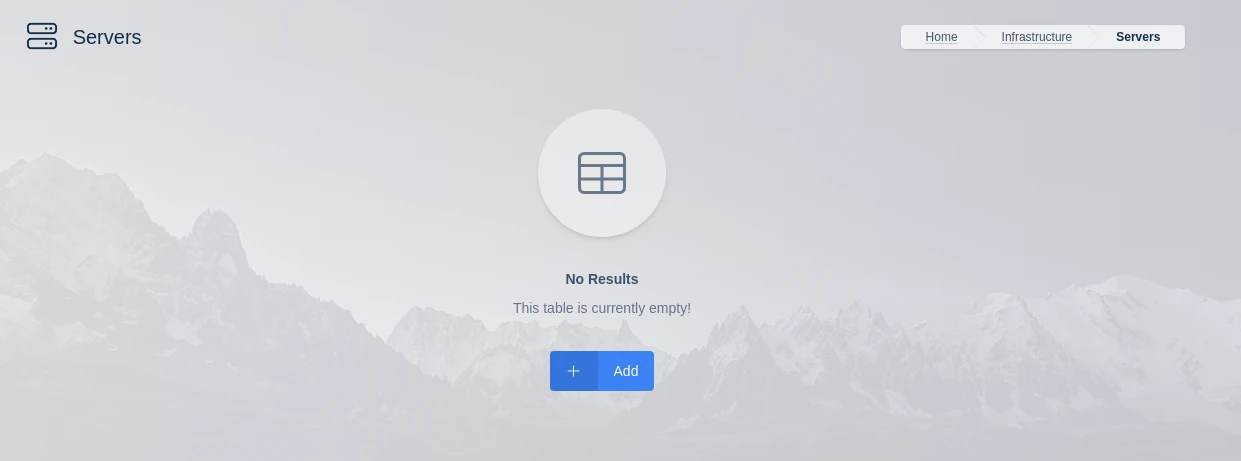
This list is only shown for Pools of type Server
This list is almost identical to the Servers list with the exception that only servers that are assigned to this pool are shown. Use the assign button to assign existing servers to this pool.
Docker Agents List
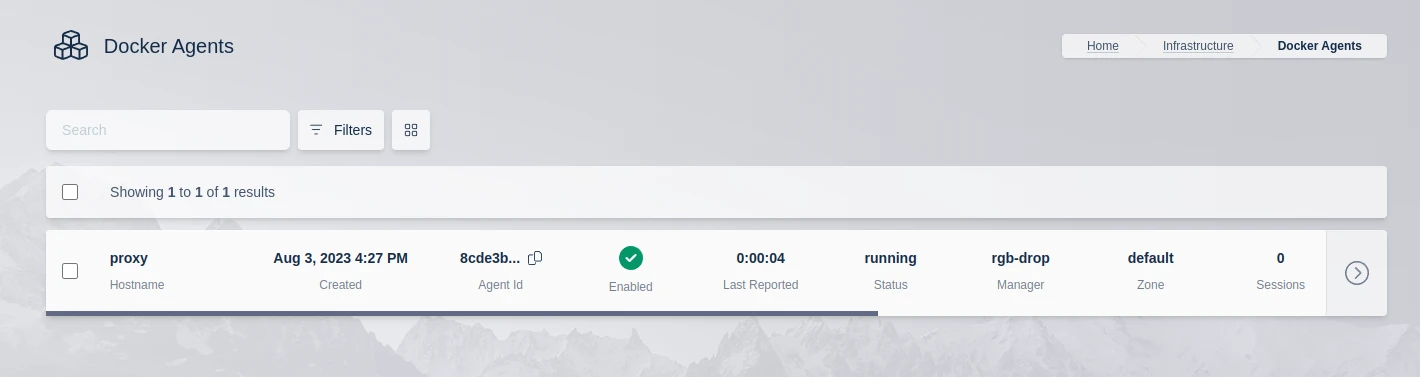
This list is only shown for Pools of type Docker Agent
This list is almost identical to the Agents list with the exception that only servers that are assigned to this pool. Use the assign button to assign existing agents to this pool.
AutoScale
The AutoScale system groups resources using Pools. Refer to the AutoScale documentation for more information.