Nextcloud Storage Provider Setup
The Nextcloud Storage Provider can be used to allow users to map in their Nextcloud files into their container-based Kasm Session. Access is provided via Nextcloud's WebDAV interface via the Rclone Docker volume plugin.
Reference Docs:
- https://docs.nextcloud.com/server/latest/user_manual/en/files/access_webdav.html
- https://rclone.org/webdav/
The storage provider configuration is as follows:
| Name | Nextcloud |
|---|---|
| Storage Provider Type | Nextcloud |
| Enabled | checked |
| Webdav URL | https://<hostname>:<port>/remote.php/dav/files/ |
| Default Target | /nextcloud |
| Volume Config | { "driver" : "rclone", "driver_opts" : { "type" : "webdav", "webdav-vendor" : "nextcloud", "uid" : "1000", "gid" : "1000", "allow_other" : "true" } } |
| Mount Config | {} |
Many of the storage provider examples include default storage driver options used by rclone. These have been observed to work well with Kasm in its default configuration, but may be adjusted by administrators as needed. Please note, the available options often vary based on provider plugin (e.g Gdrive vs OneDrive)
The Rclone Docker Plugin is installed by default as part the standard Workspace install.
More information about rclone driver options may be found at https://rclone.org/docker/
Nextcloud Storage Mapping Configuration
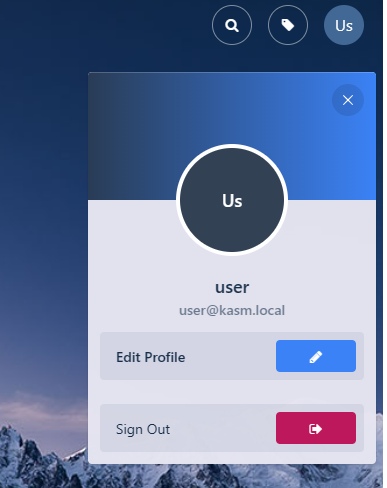
- From any page, select the profile icon at the top right of the page.
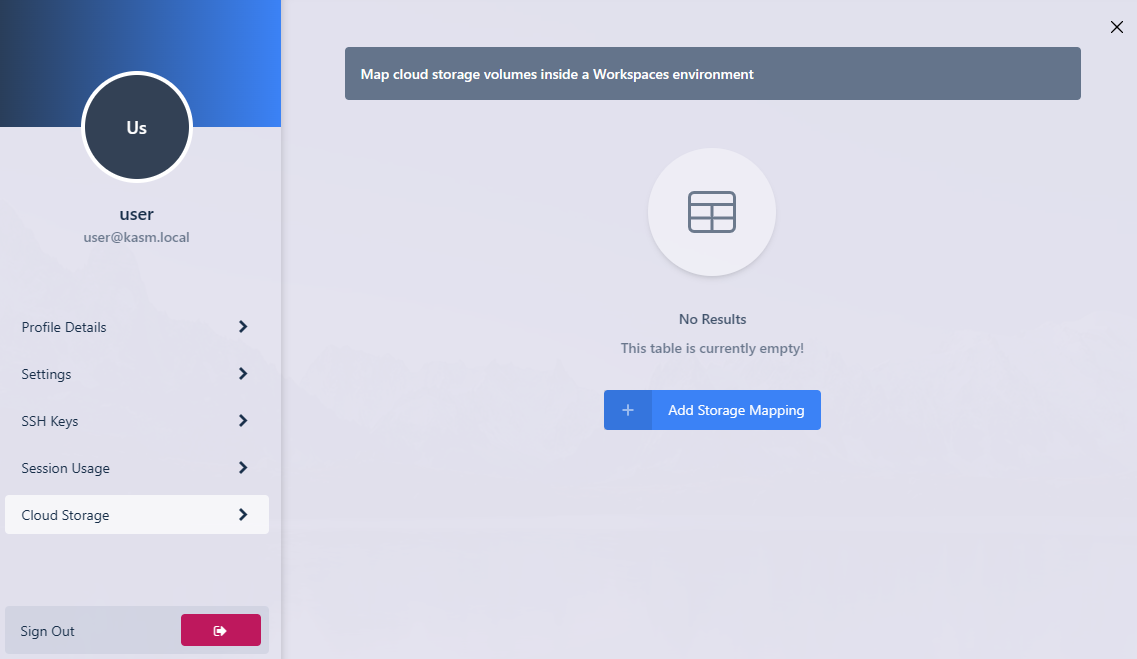
- Select the Cloud Storage section, then Add Storage Mapping.
- Select Nextcloud from the dropdown. Enter the Nextcloud Username and Nextcloud Password then select Next.

- The new storage mapping can be seen in the Cloud Storage section of the profile.

- Launch a new container-based session. Verify the Nextcloud files are mapped inside the session at the
/nextcloudlocation.
