Google Drive storage mapping configuration
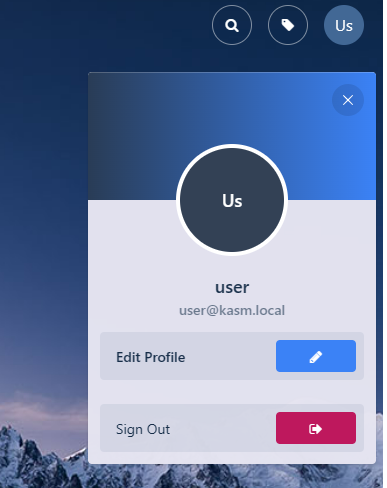
- From any page, select the profile icon at the top right.
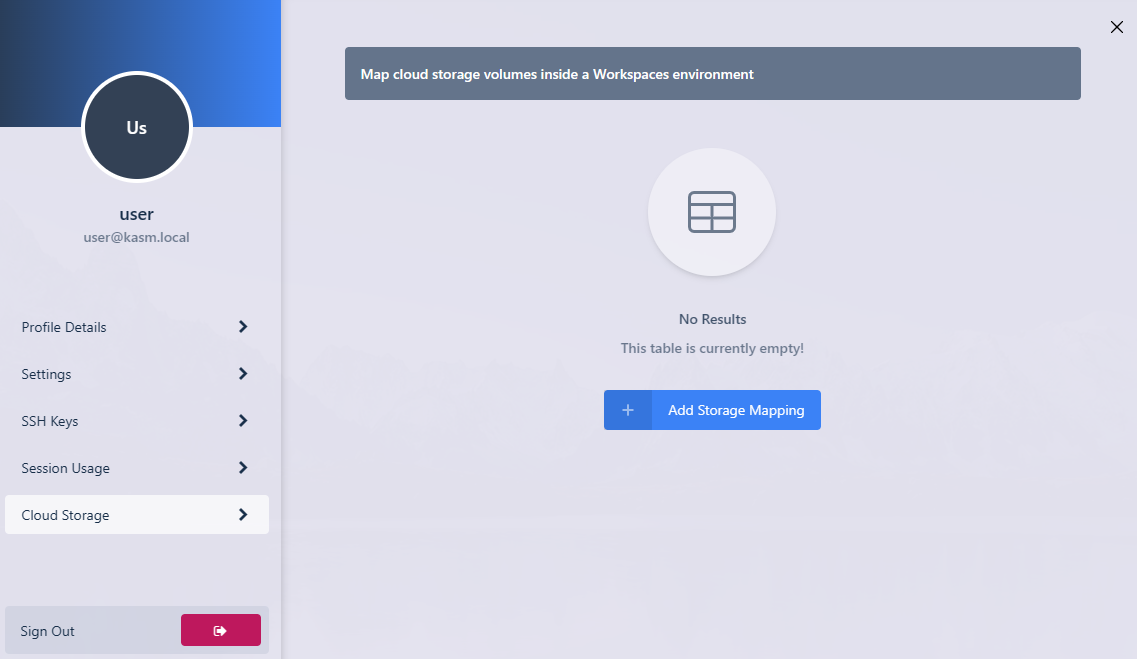
- Select the Cloud Storage section, then Add Storage Mapping.
- Select Google Drive from the drop-down, then select Next.

- The Google login page appears. Log in with the desired account. This account must be a test user from the OAuth app creation process.

- When the Google OAuth app is not yet approved, a warning appears. Click Continue.

- On success, Kasm redirects you to the Workspaces dashboard. The new storage mapping appears in the Cloud Storage section of the profile.

- Launch a new container-based session. Confirm that Google Drive is mapped inside the session at the
/gdrivelocation.
