Admin Account Recovery
Overview
Administrators can be locked out of their accounts after forgetting or mis-setting a password. This guide resets the admin account password from the command line, clears any WebAuthn and TOTP credentials, and signs in to set a new secure password.
Prerequisites
- SSH access to the Kasm Workspaces server.
- Permission to run
dockercommands on the server.
Solution approach
This guide progresses through the following phases:
- Reset the admin credentials in the database.
- Sign in and set a new password.
Detailed steps
Reset the admin credentials in the database
-
SSH to the Kasm Workspaces server and connect to the database:
sudo docker exec -it kasm_db psql -U kasmapp -d kasm -
Reset the admin password, clear the WebAuthn and TOTP credentials, then exit the
psqlshell. The values below reset the password to a known default that you change at first sign-in:update users setpw_hash = 'fe519184b60a4ef9b93664a831502578499554338fd4500926996ca78fc7f522',salt = '83d0947a-bf55-4bec-893b-63aed487a05e',secret=NULL, set_two_factor=False, locked=False,disabled=False, failed_pw_attempts = 0 where username ='admin@kasm.local';DELETE FROM webauthn_credentials WHERE user_id IN ( SELECT user_id FROM users WHERE username = 'admin@kasm.local' );\q
Sign in and set a new password
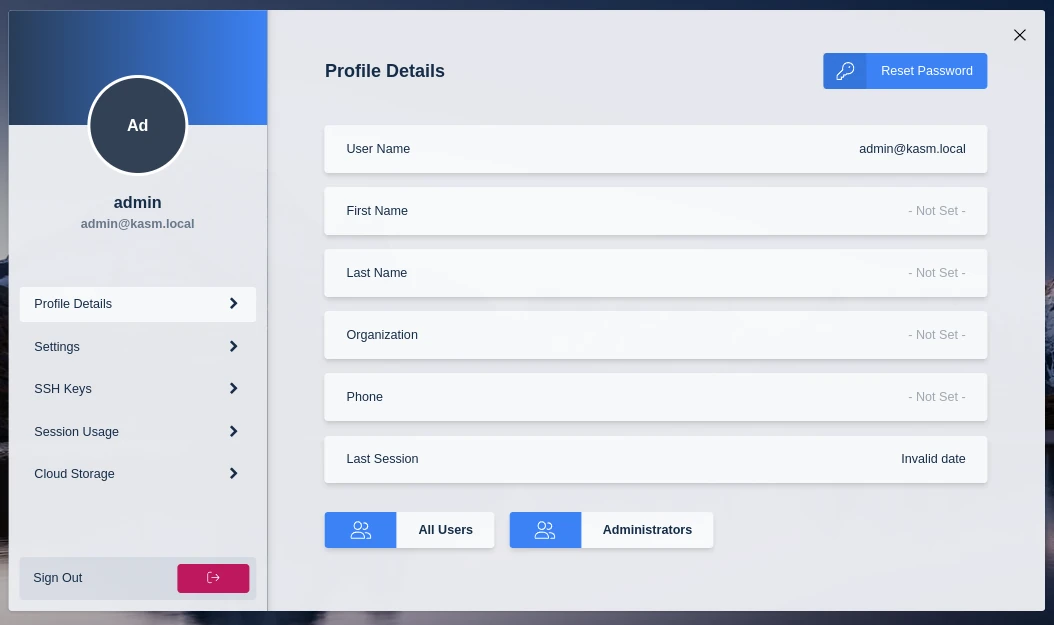
- Sign in to the Workspaces UI as
admin@kasm.localwith the passwordpassword. - Immediately reset the password to a secure value.