Web filtering
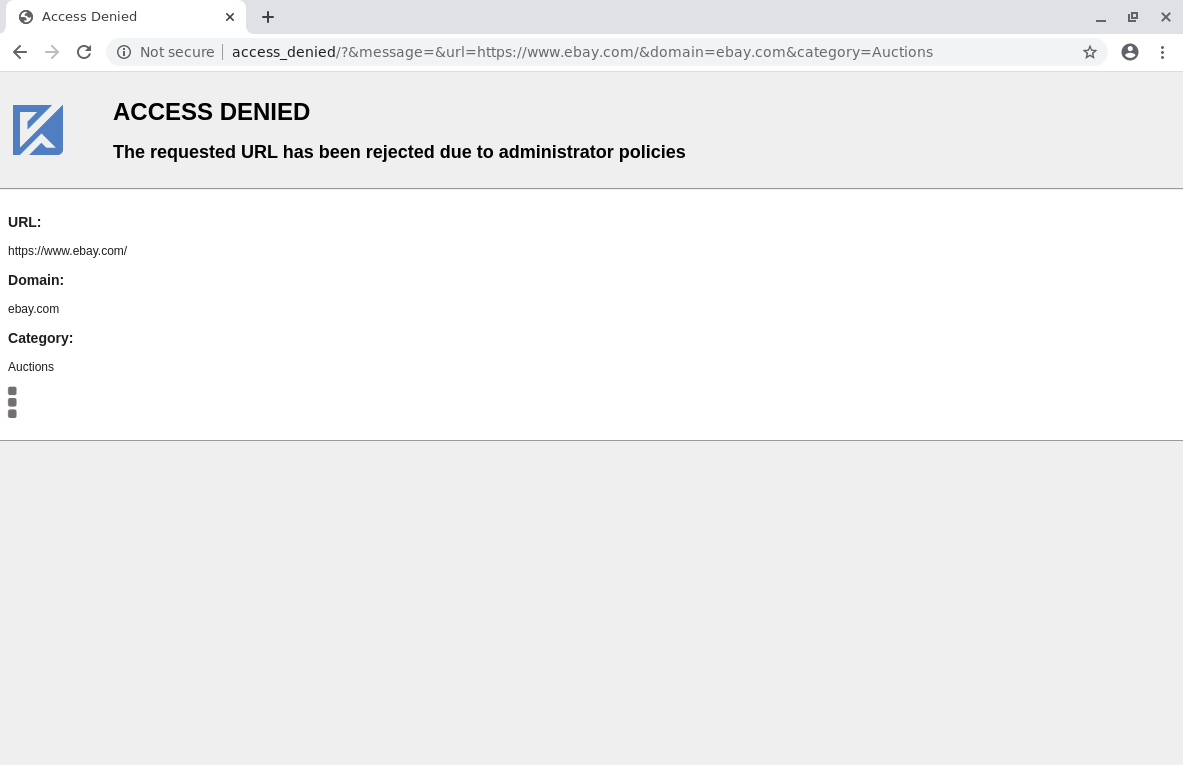
Administrators limit access to websites by defining web filter policies. Once a policy is created, it can be assigned to any number of groups through a group setting, or directly to Workspaces. Policies set on a Workspace take priority over those assigned to groups.
Configuration
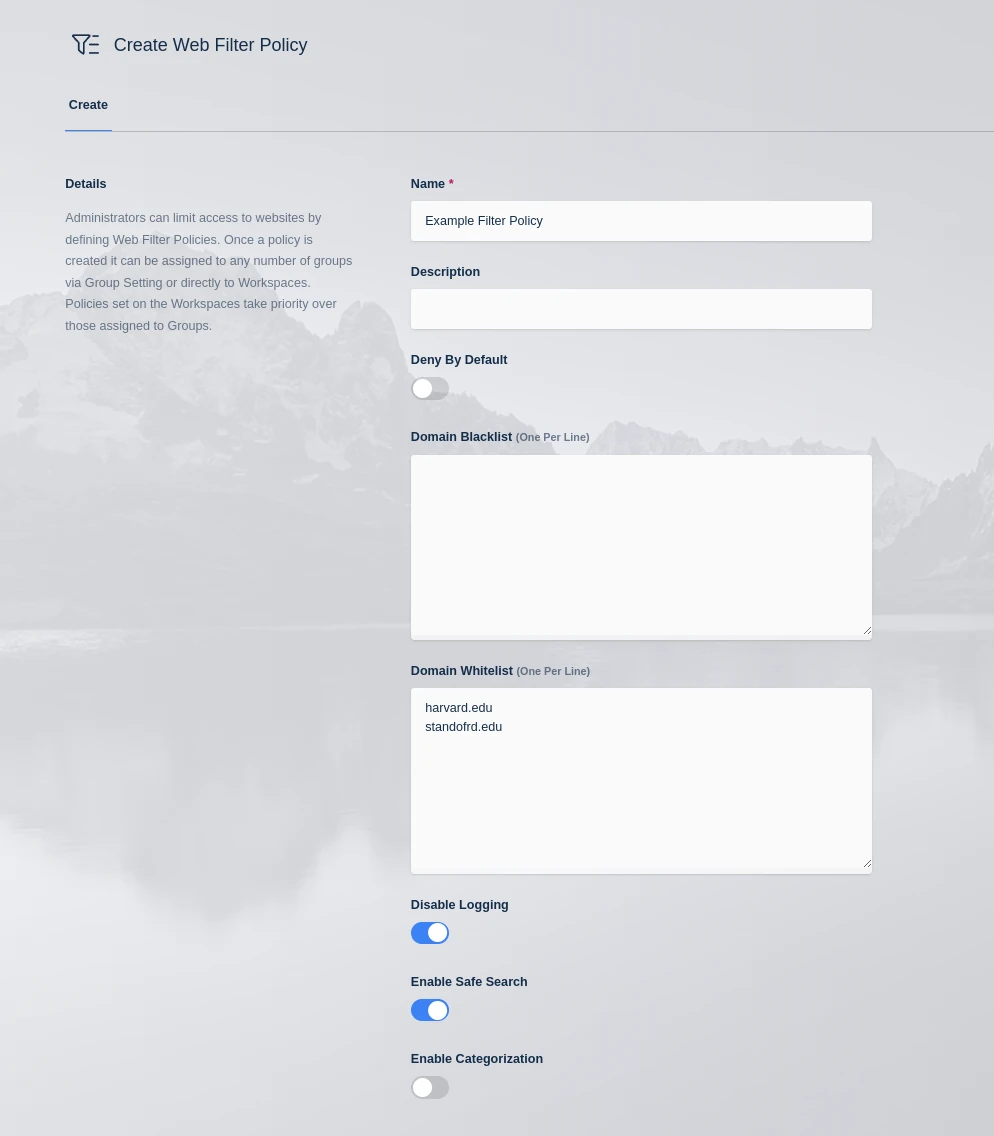
Categorization requires a license, and Kasm Workspaces must have live internet access to communicate with the categorization service. Contact your Kasm Technologies representative for details.
| Property | Description |
|---|---|
| Name | A name for the policy. |
| Description | A description for the policy. |
| Deny By Default | When checked, all requests are denied unless the domain is added to the Domain Whitelist, or the category of the domain is set to allow. When unchecked, all requests are allowed unless the domain is added to the Domain Blacklist, or the category of the domain is set to deny. |
| Domain Blacklist | A list of domains to reject. Enter one domain per line. Subdomains are matched automatically unless defined explicitly elsewhere. |
| Domain Whitelist | A list of domains to allow. Enter one domain per line. In a conflict, the blacklist takes priority. Subdomains are matched automatically unless defined explicitly elsewhere. |
| Enable Safe Search | When enabled, safe search for popular search engines is enforced using the Safe Search Patterns. Google, Bing, Yandex, DuckDuckGo, and Yahoo are supported by default. |
| Enable Categorization | When checked, requested domains are checked against the Kasm URL categorization service. Each category can be set to Allow, Deny, or Inherit. Inherited categories use the Deny By Default setting. Domains in the Domain Whitelist or Domain Blacklist take priority over categorization. |
| URL Categories | Set each category to Allow, Deny, or Inherit the default rule. When Inherit is selected, the category is allowed or denied based on the Deny By Default setting. |
| Disable Logging | When enabled, no access-related logs are produced. |
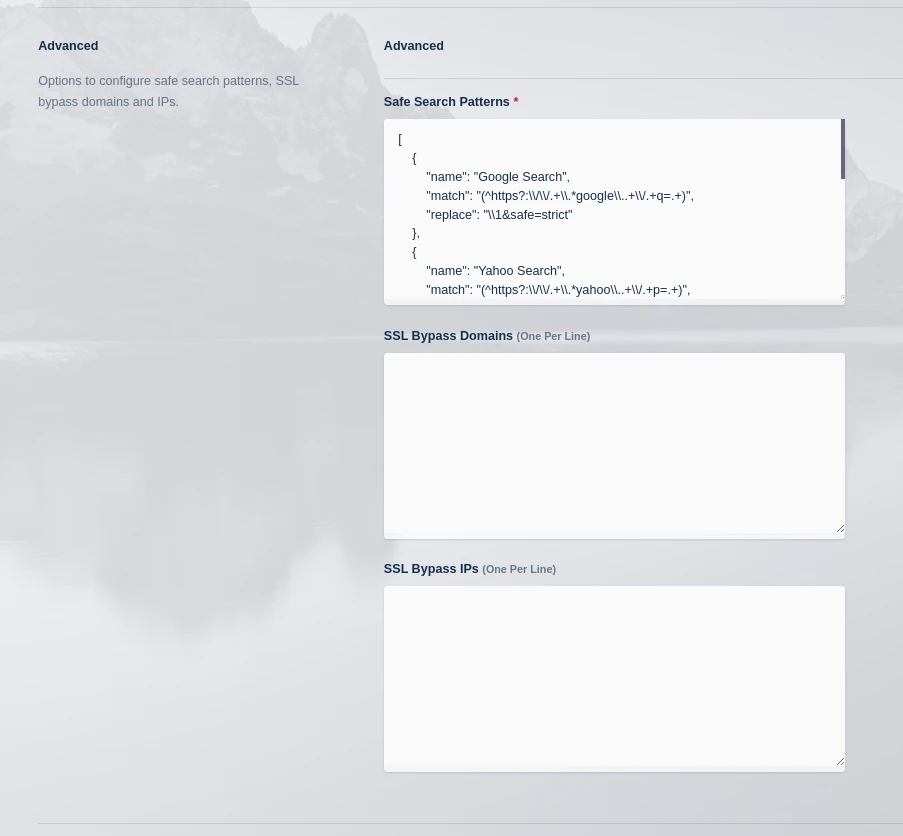
| Safe Search Patterns | A data structure that contains the URL rewrite rules used to apply safe search. |
| SSL Bypass Domains | Web filtering uses SSL inspection to enforce policy. In some cases, this is not compatible with a website. Enter a list of domains that bypass inspection to restore functionality, one per line. To match all subdomains, prefix the domain with a period, for example .google.com. |
| SSL Bypass IPs | Web filtering uses SSL inspection to enforce policy. In some cases, this is not compatible with a website. Enter a list of IP addresses that bypass inspection to restore functionality. Enter an IP address or CIDR notation, one per line. |
URL categorization caching
When URL categorization is enabled, categorization data is queried through the Web Filter Update URL categorization service defined in the global settings. For performance, these results are cached in the local Kasm deployment for a configurable period. Two settings govern the expiration of these records:
- Web Filter Default Category Expiration (Hours): caches URL categorization results for the specified time, in hours. This setting applies to domains with a category other than Uncategorized.
- Web Filter Uncategorized Expiration (Hours): caches URL categorization results for the specified time, in hours. This setting applies only to domains currently categorized as Uncategorized.
Any session launched after the expiration time fetches fresh categorization results from the Web Filter Update URL.