Set up the S3 storage provider
The S3 storage provider lets users map their S3 buckets into a container-based Kasm session. Access is provided through the Rclone Docker volume plugin. For reference, see the Rclone S3 documentation.
Configure the storage provider
- Log in to the Kasm UI as an administrator.
- Select Settings, then Storage, then Add.
- Complete the form with the following entries:
| Field | Value |
|---|---|
| Name | S3 |
| Storage Provider Type | S3 |
| Enabled | checked |
| Default Target | /s3 |
| Volume Config | { "driver" : "rclone", "driver_opts" : { "type" : "s3", "s3-provider" : "AWS", "s3-env-auth" : "false", "s3-region" : "us-east-1", "uid" : "1000", "gid" : "1000", "allow_other" : "true" } } |
| Mount Config | {} |
- Click Save.
note
Many of the storage provider examples include default storage driver options used by Rclone. These options work well with Kasm in its default configuration, and administrators can adjust them as needed. The available options often vary by provider plugin, for example Google Drive compared with OneDrive.
The Rclone Docker plugin is installed by default as part of the standard Workspace install. For more information about Rclone driver options, see the Rclone Docker documentation.
S3 storage mapping configuration
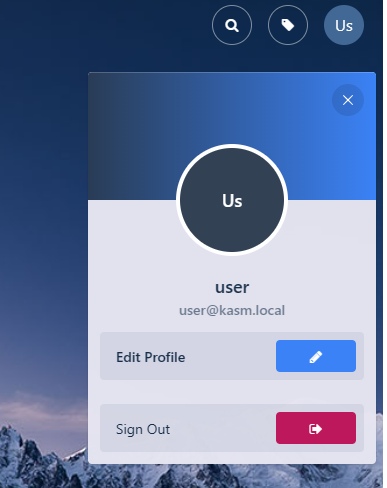
- From any page, select the profile icon at the top right.
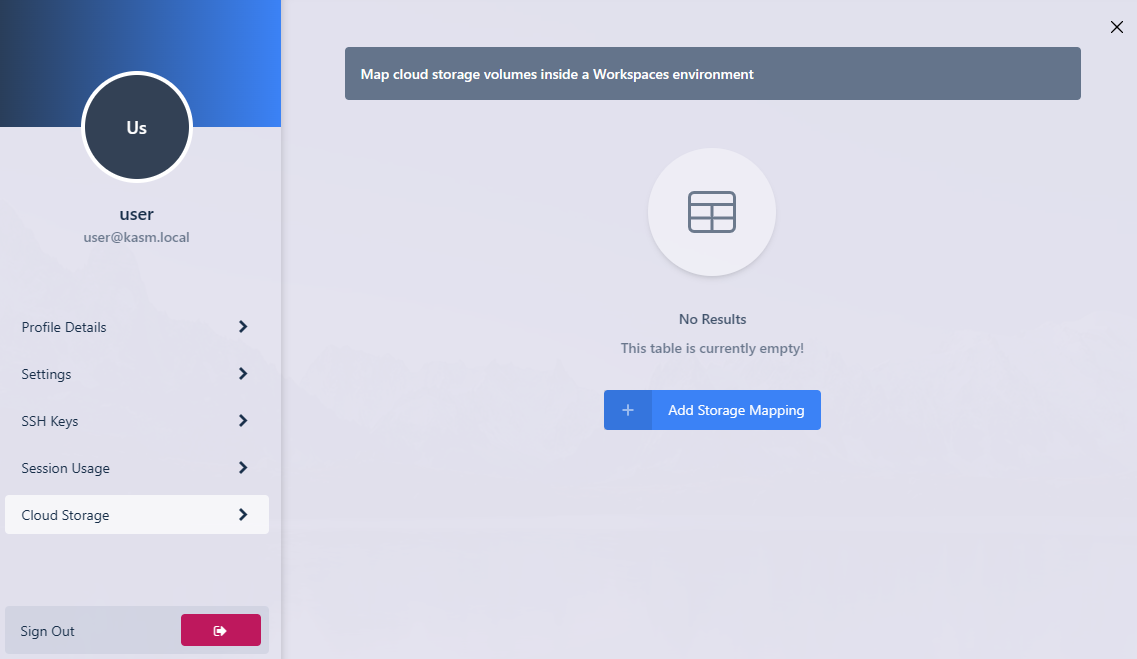
- Select the Cloud Storage section, then Add Storage Mapping.
- Select S3 from the drop-down. Enter the S3 Access Key ID, S3 Secret Access Key, and S3 Bucket, then select Next.

- On success, Kasm redirects you to the Workspaces dashboard. The new storage mapping appears in the Cloud Storage section of the profile.

- Launch a new container-based session. Confirm that the S3 buckets are mapped inside the session at the
/s3location.
