Login configurations
Kasm offers several alternate authentication methods for users, with two-factor, SAML 2.0, or LDAP integration.
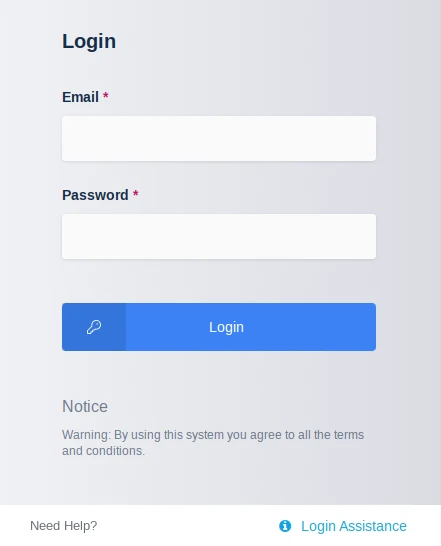
Login notice
The login notice is a message displayed at the bottom of the login form. Configure this message with the Notice Title and Notice Message in the global settings. Use it to display a legal notice, terms of service, or other information shown to a user before login.
Login assistance
Login assistance provides users with an accessible link on the login page. Create the login help page at a separate link, then pass it to the login panel through the login_assistance setting under the Authentication section.
note
Change this setting back to None to hide the login assistance link.