Troubleshoot NVIDIA GPU issues in Kasm Workspaces agents
This reference lists common GPU issues in Kasm Workspaces and their resolutions.
The agents table shows 0 GPUs
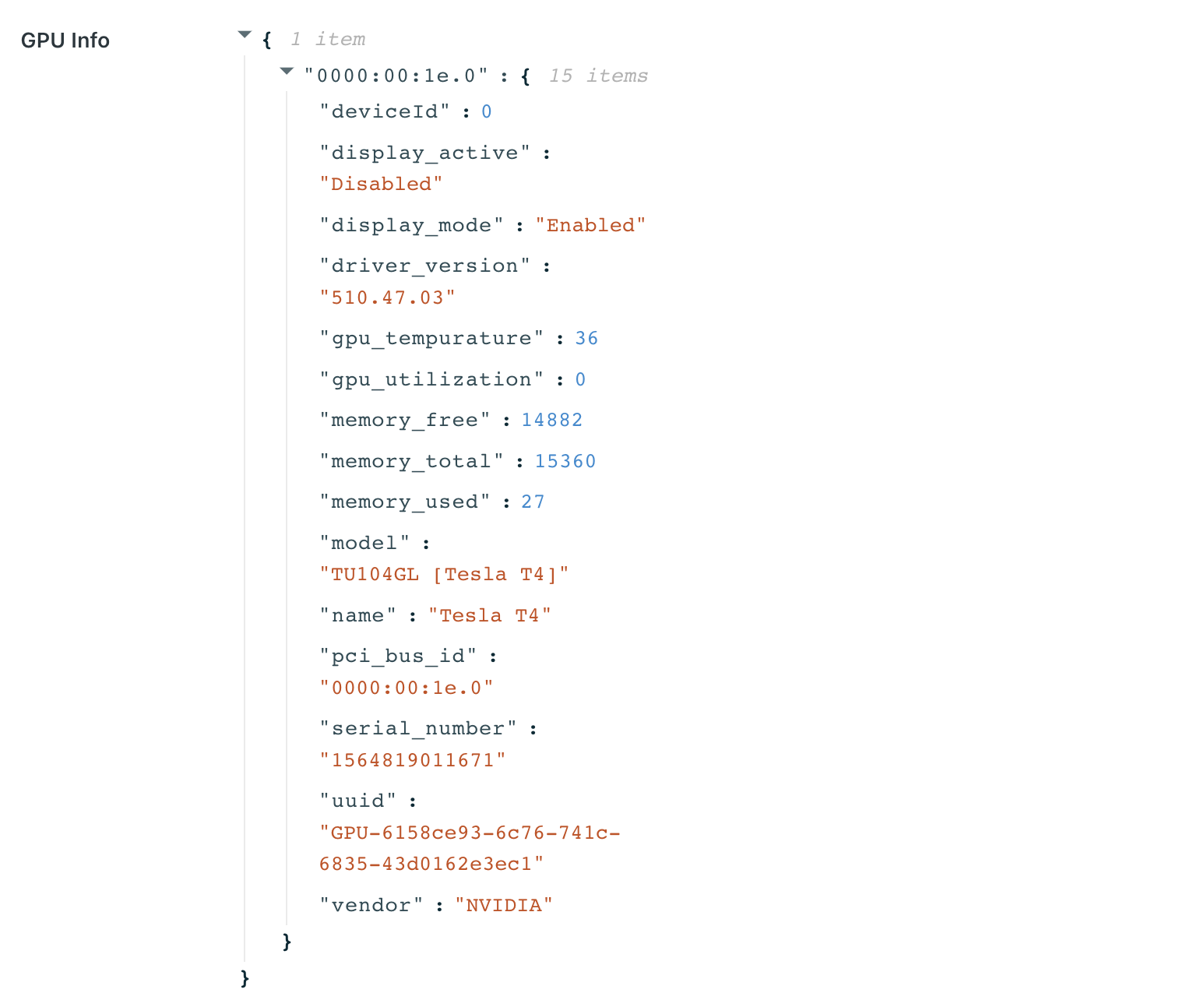
The agents list shows a GPUs column with the number of GPUs available on each agent. The View Agent panel shows GPU details when a GPU is detected, including the GPU Info details.
Kasm uses multiple methods to gather GPU information. When the GPU Info JSON contains some but not all information about your GPUs, and the agent reports no GPUs, confirm that the NVIDIA Docker toolkit is installed and that you restarted the Docker daemon. Run sudo docker system info | grep Runtimes and confirm that nvidia is listed.
To enable GPU support on an agent, install the NVIDIA GPU acceleration driver on the agent. For details, see the GPU installation guide.

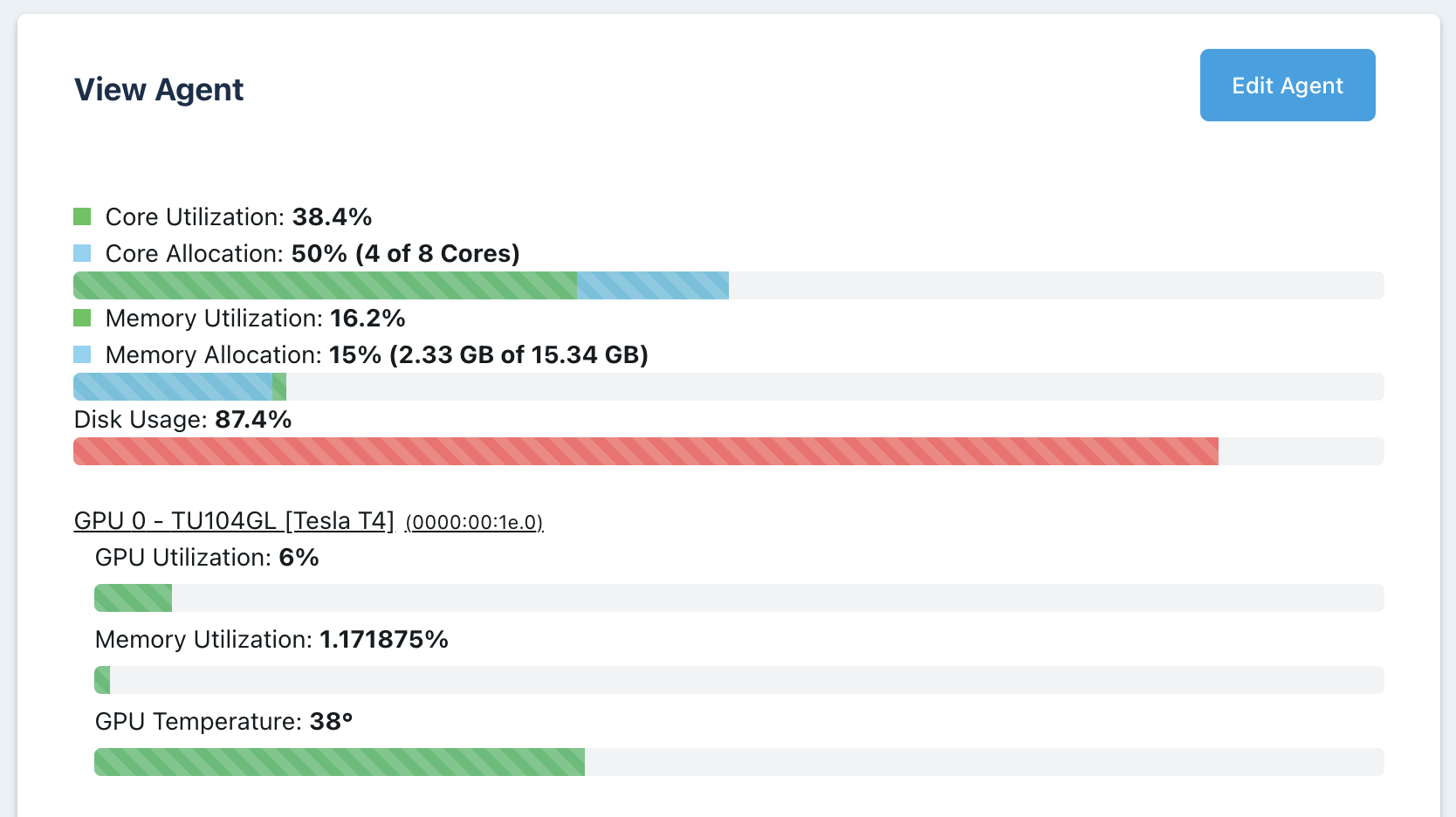
No resources are available
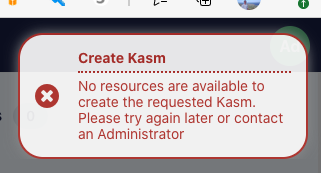
When users provision a workspace, they receive a no-resources error message.

nvidia-smi errors
The nvidia-smi tool is available inside the container automatically. Before troubleshooting Workspaces, confirm that nvidia-smi works on the host directly. Next, confirm that you can run a container on the host with the NVIDIA runtime set and run nvidia-smi from within the container. When nvidia-smi works from the host directly and from a manually run container, open a support issue with Kasm.
A session shows a black screen
A session with an NVIDIA GPU enabled may render only a black screen. The container logs of the session may show the error libEGL warning: egl: failed to create dri2 screen. Add the following entry to the Docker run config of the Workspace:
{
  "environment": {
    "NVIDIA_DRIVER_CAPABILITIES": "all"
  }
}