Configure custom DNS servers for Kasm Workspaces sessions
Overview
Administrators specify custom DNS servers for Kasm sessions using the Docker Run Config, set as a Workspace setting or a group setting. This guide configures custom DNS servers through the Workspace setting.
Prerequisites
- A working Kasm Workspaces deployment with administrator access.
- The IP addresses of the DNS servers to use.
Configure custom DNS servers
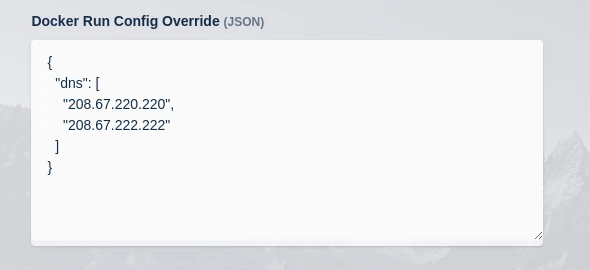
The Docker Run Config uses the following format:
{
  "dns": [
    "208.67.220.220",
    "208.67.222.222"
  ]
}
- Log in to the Kasm UI as an administrator.
- Select Workspaces, then Workspaces.
- Select Edit (the pencil icon) next to the desired Workspace from the arrow menu.
- Specify the DNS servers in the Docker Run Config.
- Select Save.
New sessions created with this Workspace use the specified DNS servers for resolution.