View session history and record sessions
Overview
Administrators need a reliable record of who connected to which workspace and what happened during each session. This guide shows how to view historic sessions, download and preview their recordings, and enable session recording so that activity is captured for compliance and auditing. The result is a searchable session history backed by durable storage that strengthens accountability across the deployment.
Prerequisites
- Administrator access to the Kasm Workspaces Admin panel.
- Permission to edit groups under Access Management.
- An S3 bucket, or S3-compatible storage, for recording uploads.
Solution approach
This guide progresses through the following phases:
- View and inspect historic sessions.
- Enable session recording for a group.
Detailed steps
View and inspect historic sessions
Administrators view historic sessions on the Sessions / History page in the Admin panel.
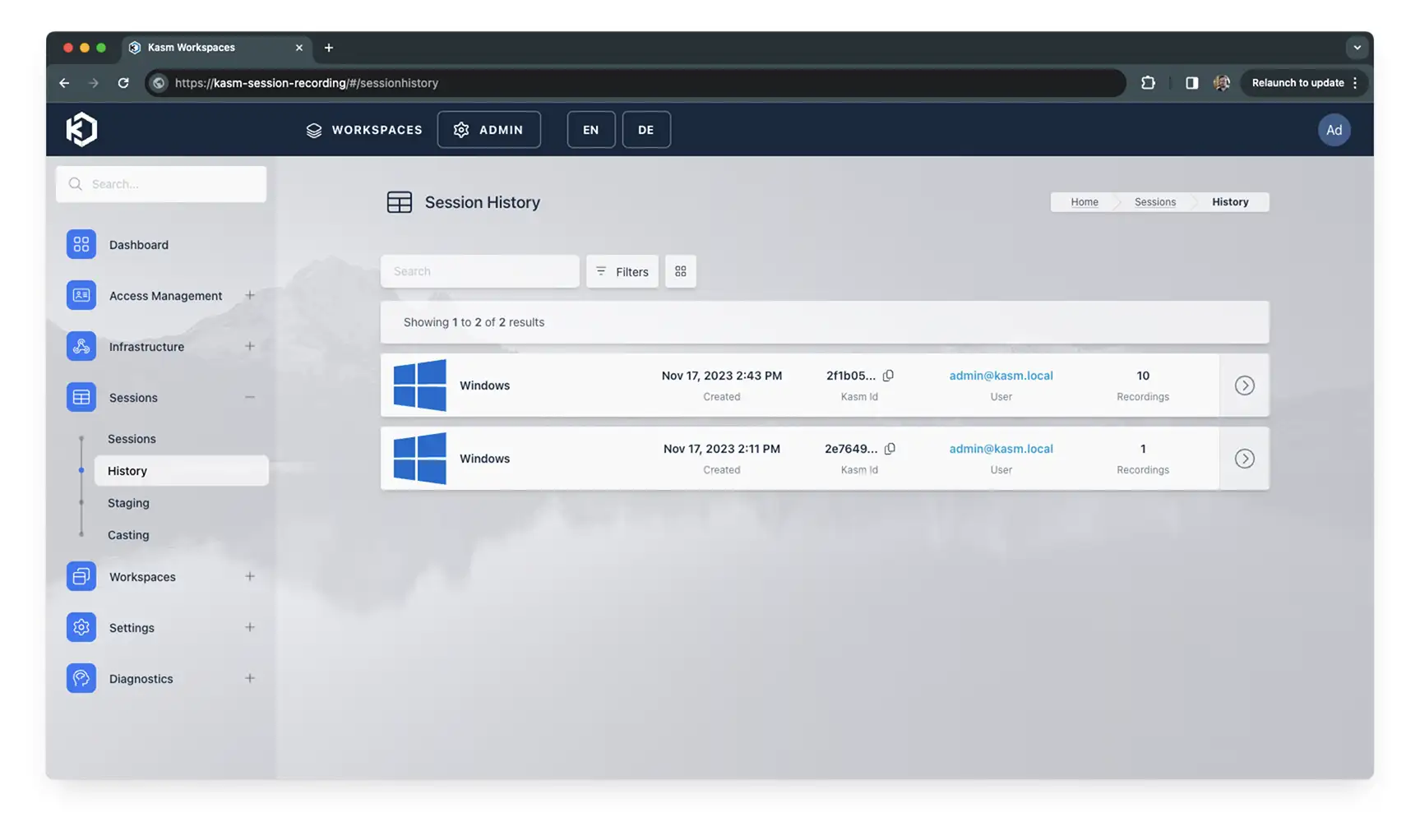
The Anonymous column shows whether the session owner was an anonymous account. Each row reads Anonymous or Authenticated, and sessions recorded before 1.20.0 show a dash. The column is hidden by default. Open the column settings and move Anonymous from Hidden Columns to Visible Columns to show it. Use the Anonymous filter above the table to show All sessions, Anonymous only, or Authenticated only. Available in Kasm Workspaces 1.20.0 and later.
Click the arrow for a session to display the available actions.

- Download downloads all video files for the historic session in a ZIP file.
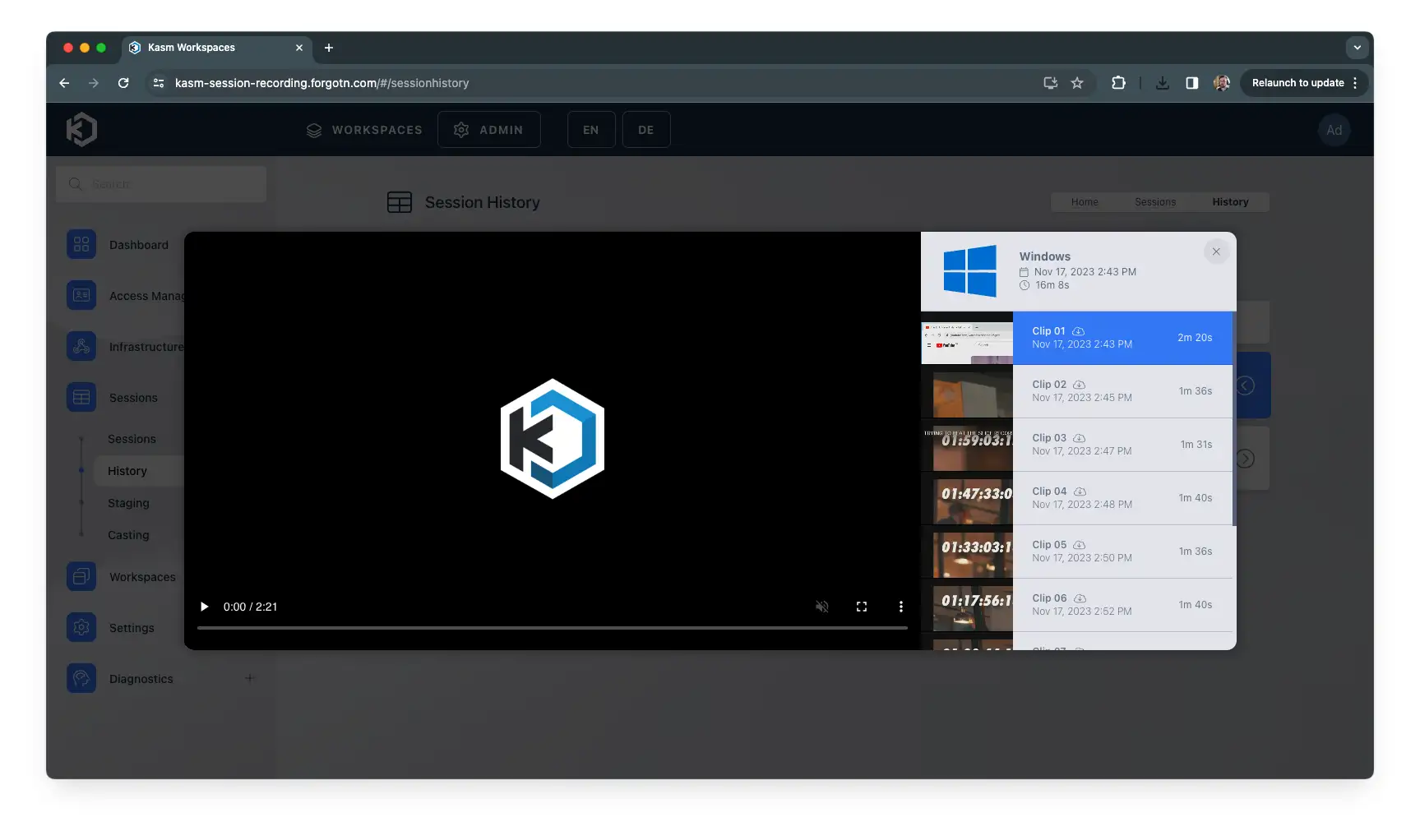
- Preview opens a popup that previews the video files for the session. The popup also shows the duration and allows you to download individual clips.
Enable session recording for a group
Session recording requires three steps. Complete them in order.
- Set up S3 storage. Configure storage first. If you already use persistent profiles, this step may be complete, because the same credentials apply to both.
- Set the recording location. Set the session recording details. Defaults are set for most inputs, but you must specify the upload location.
- Enable session recording in group settings. Go to Access Management / Groups and edit the group you want to record. Open the Settings tab, click Add Settings, and type
record_sessions. Set the value toTrueand click Submit.
Common troubleshooting steps
- No recordings appear in session history. Confirm that S3 storage and the upload location are configured, and that
record_sessionsis set toTrueon the group. - Recordings fail to upload. Verify the storage credentials and that the upload location points to a reachable, writable bucket.