Fix SIGTRAP browser crashes in Kasm Workspaces
Overview
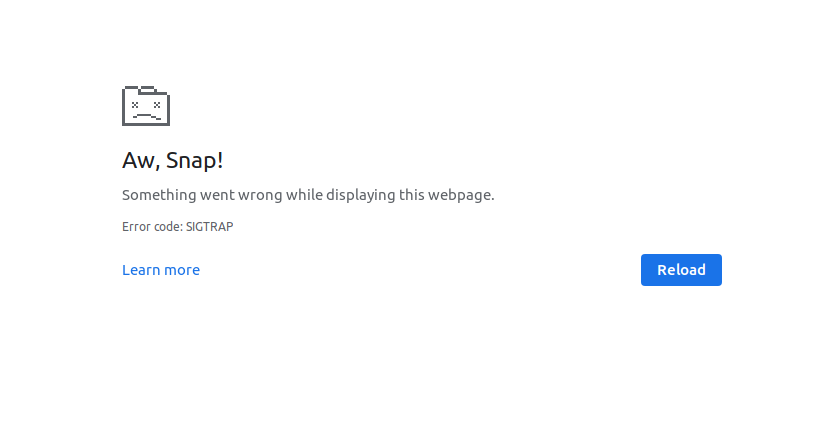
A Chromium-based browser inside a Kasm Workspaces session can crash with a SIGTRAP error. This guide explains the most common cause and shows how an administrator resolves it. The fix increases the shared memory available to the container, which keeps demanding browser sessions stable.
Cause
A SIGTRAP crash often indicates that the browser has exhausted the /dev/shm shared memory segment allotted to the container. This outcome is more likely when the browser runs a large number of tabs or resource-intensive pages.
Resolution
To reduce the likelihood of this error, increase the size of /dev/shm for the container. Add a custom value through the docker-run-config on an individual Workspace, or at the Group level.
The example below changes the size to 4g (4 gigabytes). If the value is not defined, the default is 512m (512 megabytes).
{
    "shm_size" : "4g"
}